For Mac · runs on your Mac, nothing uploaded
Everything you’ve filmed. Found.
Plug in a card. Bredo copies it safely, files it by day, and finds any clip later by what’s in it, what was said, or the sign in the background.
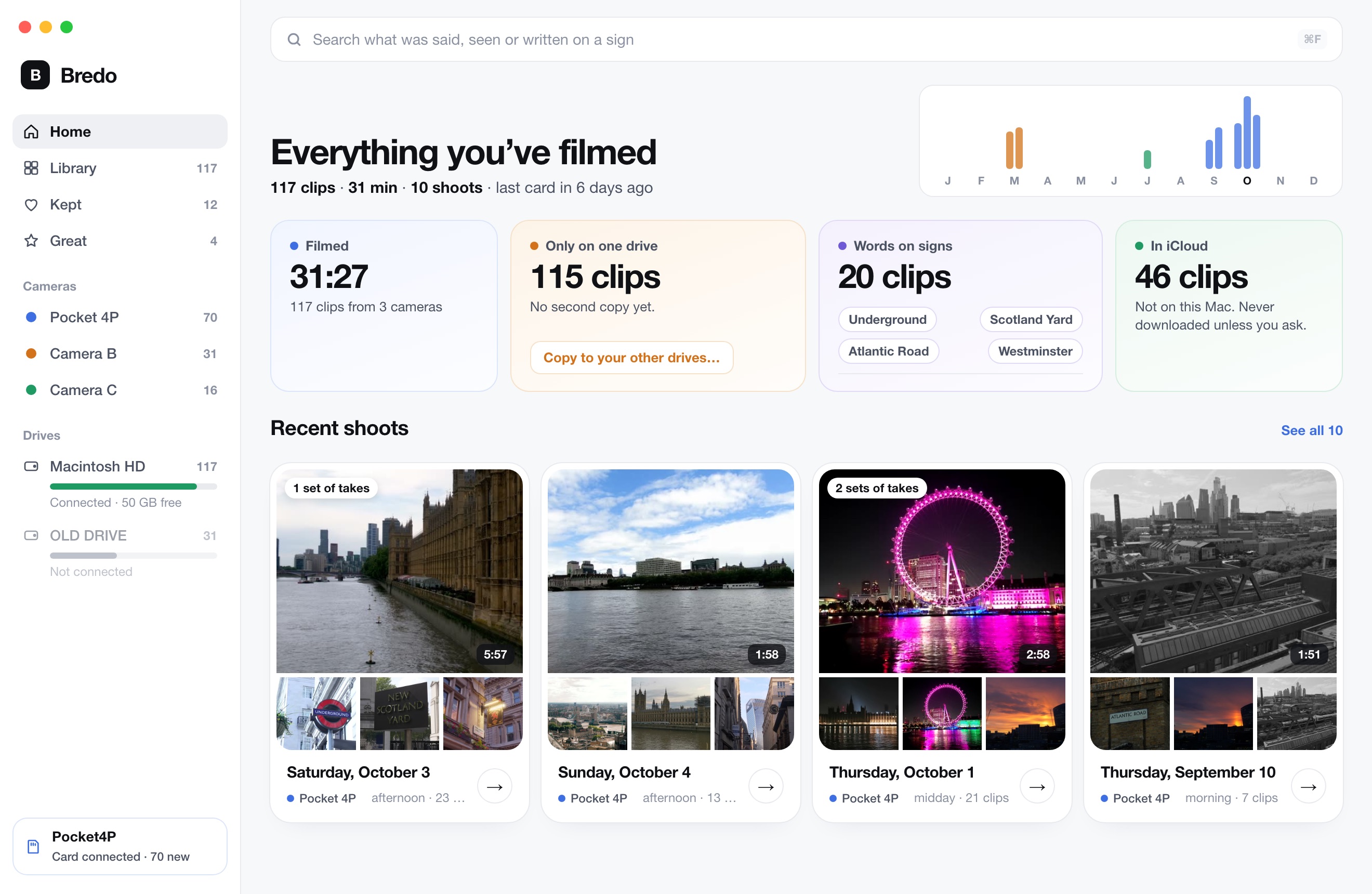
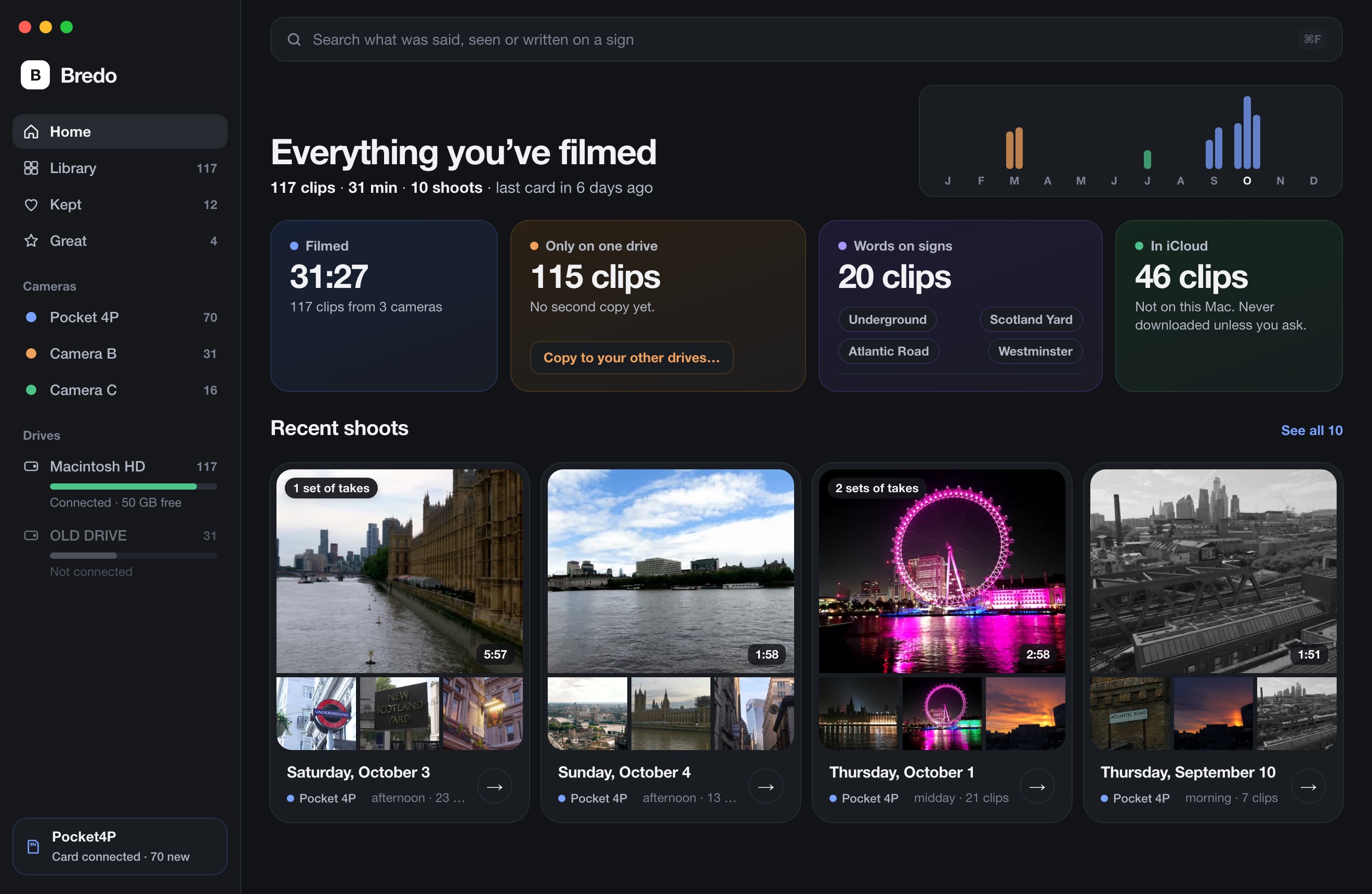
From the card to the clip you wanted.
The part between the camera and the edit, done for you.
Plug in the card. That’s the import.
Bredo sees it, copies every file to every drive you’ve set up, then reads each one back to check it arrived whole.
- Plain dated folders, the camera’s own file names
- Says when the card is safe to erase. Never erases it itself
- Pull the cable mid-copy and it picks up where it stopped
Ask for the clip the way you remember it.
Bredo has already watched, listened and read. You search for what was in front of the camera, not what the file is called.
- Pictures, speech, and words on signs and screens
- Every result says why it matched
- Works on drives that are unplugged
Know what would be gone if a drive died.
Bredo counts the clips that exist in only one place, says so plainly, and copies them to your other drives when you ask.
- Drives stay in the list when you unplug them
- Every copy checked, with a hash list beside it
- Nothing is ever deleted for you
You can’t film it again. So there are rules.
Six things Bredo never does differently, whatever else changes.
Originals are never touched
Not renamed, not recompressed, not moved. Bredo only reads them.
Copied means checked
Hashed while it’s written, read back off every drive, compared. Then it counts. What that proves.
Nothing is deleted for you
Bredo says when a card is safe. Erasing it stays your decision.
Nothing leaves your Mac
The models run here. No account, no cloud, no upload. What this site and the app record.
Plain folders, no lock-in
Dated folders in Finder with the camera’s own names. Readable without Bredo.
If Bredo ever disappears
Your clips are where they were, and the copy you bought keeps working. There is no server to switch off.
Go through a day
One clip at a time: keep, great, or don’t use.
Takes, together
Filmed the same thing three times? One choice, not three.
Mark the good part
In and out on the bit worth using. It arrives trimmed.
Straight to the edit
Final Cut, Resolve, Premiere or an EDL, picks intact.
Pay once. Keep it.
Every feature
On the Macs you work on yourself.
Updates through Bredo 1.x
A later major version is an optional upgrade. This one keeps working.
Your library is never locked
When the 500-clip trial ends, everything already in it stays browsable and exportable.
30 days to change your mind
The refund policy in full, and the licence.
Bredo 1.0 is not out yet.
It is being finished. Send one line and you get one email the day it is out, and nothing else. There is no list to unsubscribe from.
Useful whether or not you buy.
Guides for people who film more than they archive.
Questions
When can I get it?
Bredo 1.0 is not out yet. Write to support@bredo.app and you get one email the day it is, and nothing else.
What does Bredo run on?
macOS 26 or later on an Apple Silicon Mac. The picture and speech models run on the Neural Engine, so Intel Macs are not supported.
Where does my footage actually live?
On the drives you choose. Bredo keeps its catalogue in Application Support and never puts your files inside it, so deleting Bredo leaves every clip where it is.
Does anything get uploaded?
No. Analysis and search run on your Mac. Bredo's only network use is checking for updates, and asking Apple for a place name from coordinates if you switch that on.
How is this different from Hedge or ShotPut Pro?
Those copy cards and stop there. Bredo does the checked copy and then keeps the library: every clip filed, visible and searchable afterwards, including footage on drives that are disconnected. See the workflow.
How is this different from a drive cataloguer like NeoFinder?
A cataloguer indexes filenames and metadata after you have copied files yourself. Bredo does the checked copy, reads the picture and the speech in each clip, and files everything by date and shoot without you naming anything. More on cataloguing drives.
What happens to my footage if Bredo is ever discontinued?
Nothing. Your footage is in ordinary dated folders on your own drives, with the names the camera gave each file and an ASC MHL hash list beside it, all readable without Bredo. The licence is checked on your Mac with no server involved, so the copy you have keeps working.
How is this different from the search inside Final Cut, Premiere or Resolve?
An editor searches the project or library you have open. Bredo searches everything you have shot, across every project and before any of it is in an editor, including footage on drives that are disconnected. It also does the checked copy and the filing first.
Can I try it first?
Yes, from the day it is out. The trial brings in 500 clips with every check, report and export working. Whatever is already in your library stays browsable and exportable afterwards, licence or not. The download page says when there is a build.
Is it a subscription?
No. $79 once at launch, $99 after. Updates through Bredo 1.x are included, and a future major version will be an optional paid upgrade.
Which cameras and card formats work?
Anything that writes files a Mac can read, including RED RDC folders, Panasonic P2, Canon XF, BRAW with its sidecar, Sony proxies, plus photos and audio recordings.
Can I send footage to an editor on another Mac?
Yes. Hand Off copies the clips you pick into one folder, checked, with timelines for Final Cut Pro, Premiere Pro and DaVinci Resolve that point inside it, a contact sheet and an ASC MHL. Copy the folder to their drive and it opens without relinking. How a hand-off works.
Can I watch clips when their drive is unplugged?
Yes, once small copies are switched on. Bredo makes a light version of each clip on your Mac, so it plays, skims and can be gone through while the drive is on a shelf. Without them you still see every clip's frames and details.